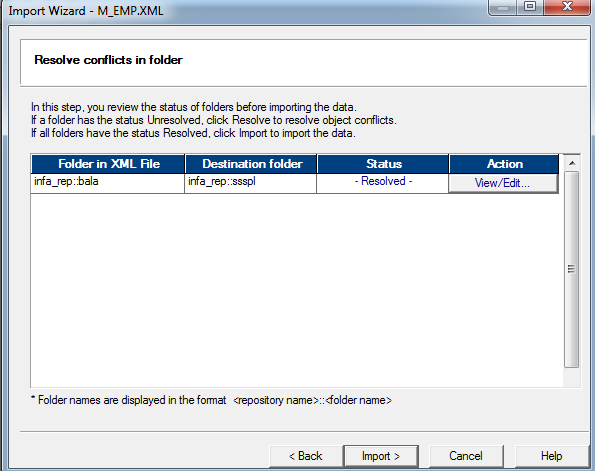
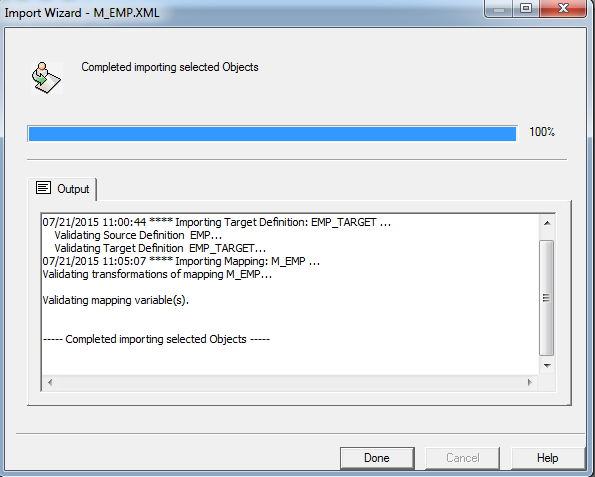
Step 1: Open exported unix .xml file

Change the encoding =”UTF-8” and CODEPAGE=” UTF-8” as like below
encoding =”Windows-1252” and CODEPAGE=”MS1252”

Save the XML file.
Step 2:
Open Informatica Power Center Repository Manager
-> Connect Repository
-> Import object and select the XML file
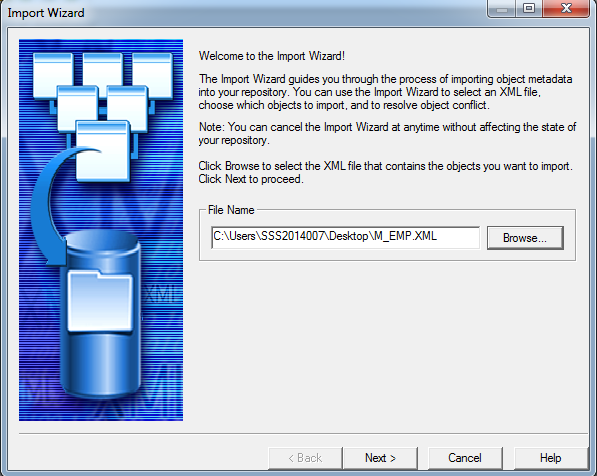
Click next
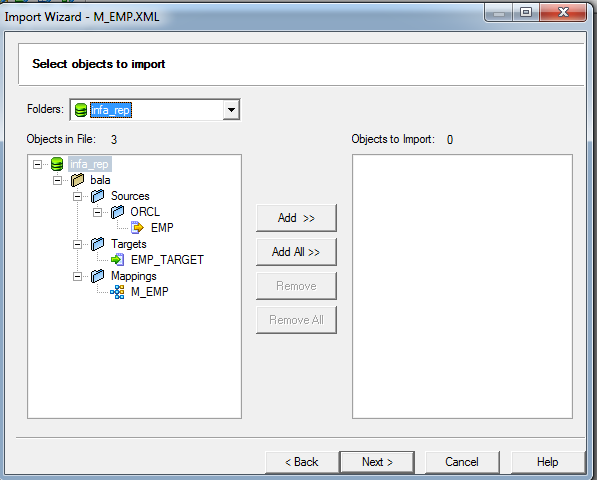
Click Add all and click next

Click next
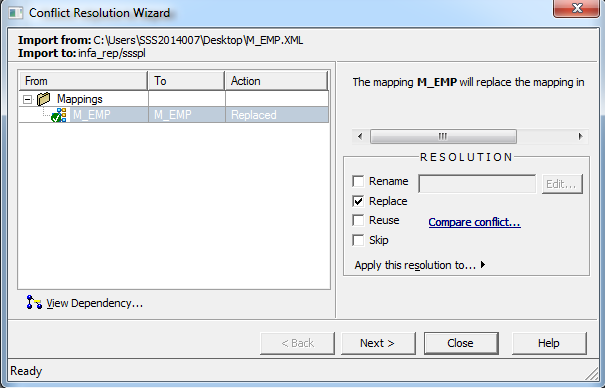
Click replace and select apply resolution to all conflicts and click next

Click next
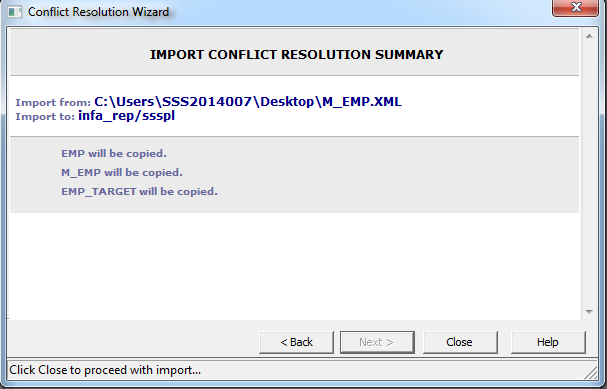
Click close and click import