Showing posts with label RCU installation in BIAPPS. Show all posts

Friday, April 22, 2016

BIAPPS 11.1.1.10.1 INSTALLATION in Redhat 6

  In Our previous page we created ODI Installation, go to ... Previous Page 
 
RCU INSTALLATION
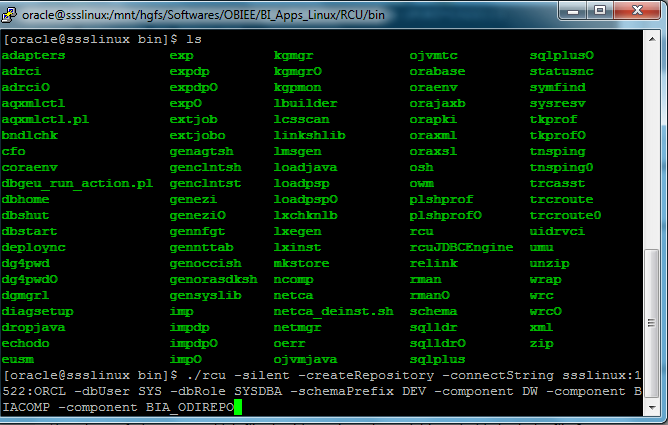
Go to /mnt/hgfs/Sftware_Linux/BIAPPS/RCU/bin
C:\Users\SSS2015052\Desktop\New folder\BIAPPS_RCU\1.PNG
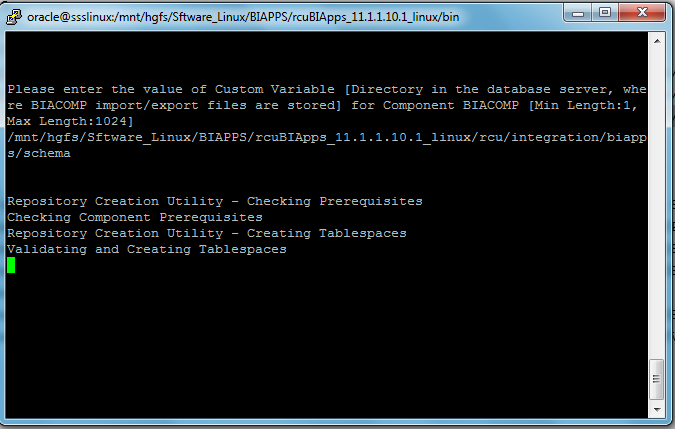
  1. After enter the full screen will be deleted that means we have to entered sys password then our schema password then it will prompt custom variable path .
  2. We have to give like below screen
C:\Users\SSS2015052\Desktop\New folder\BIAPPS_RCU\2.PNG
     finally, it will complete. Then we have to install Biapps.

BIAPPS INSTALALTION
  1. go to /mnt/hgfs/Sftware_Linux/BIAPPS/biapps/Disk1
  2. In my case I used. Rsp file for BiApps Installation here I attached  
    C)  execute the following command
         ./runinstaller -silent – response file / home /oracle/BIAPPS.rsp
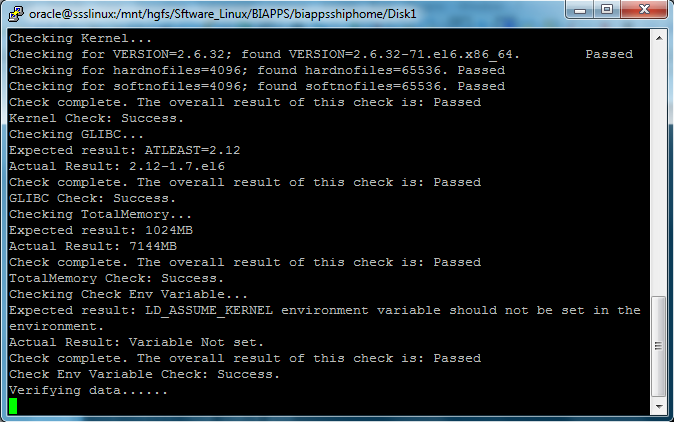
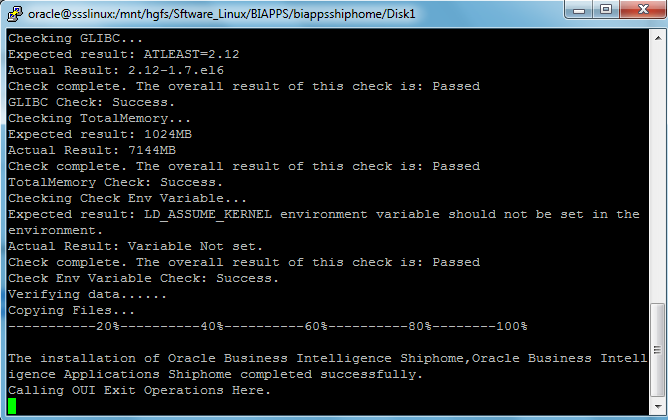
    d)     it will prompt you jdk path. Give proper jdk path.
C:\Users\SSS2015052\Desktop\New folder\BIAPPS\1.PNG
C:\Users\SSS2015052\Desktop\New folder\BIAPPS\2.PNG
C:\Users\SSS2015052\Desktop\New folder\BIAPPS\3.PNG
C:\Users\SSS2015052\Desktop\New folder\BIAPPS\4.PNG
C:\Users\SSS2015052\Desktop\New folder\BIAPPS\5.PNG 

.... to be continued navigate to Patches for BIAPPS