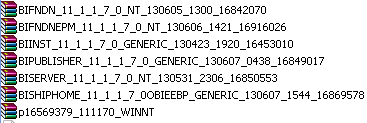
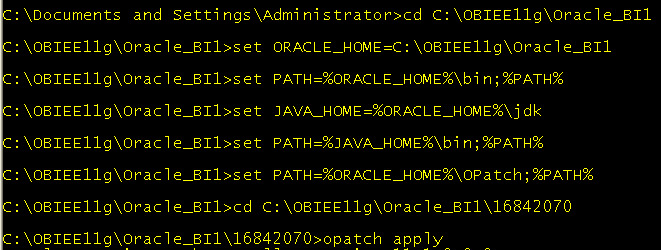
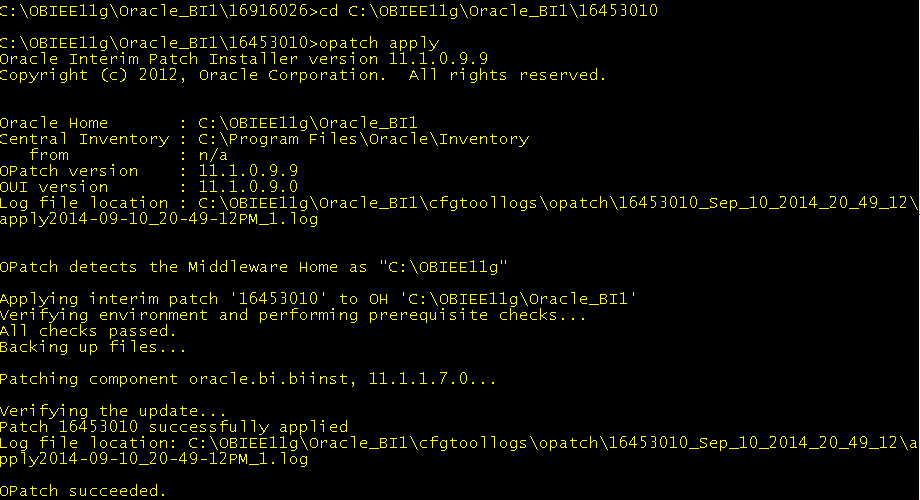
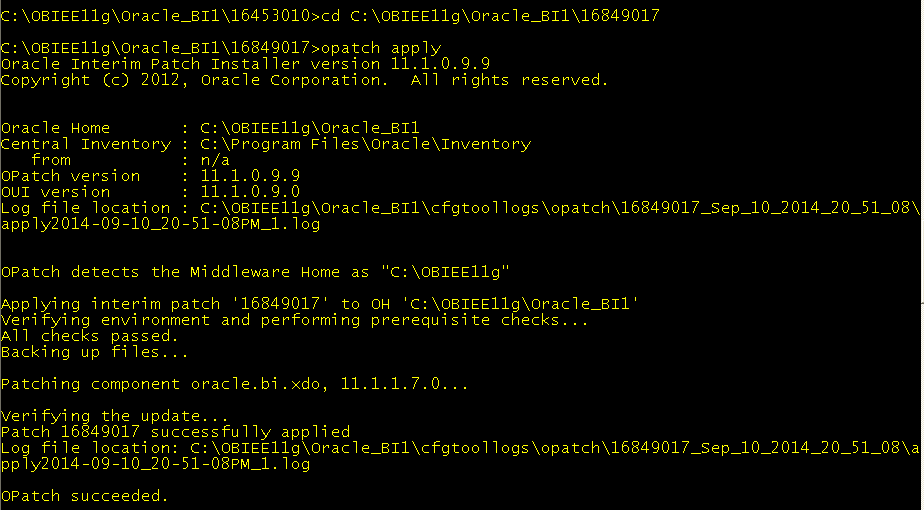
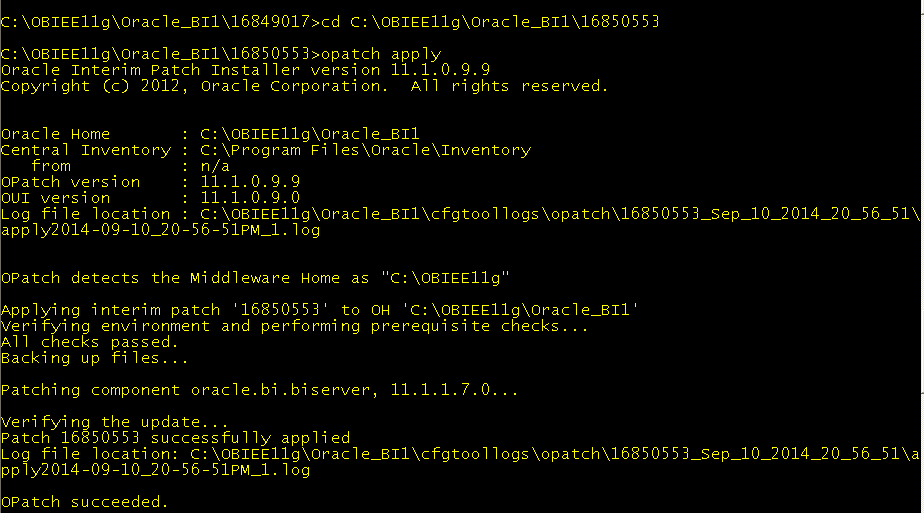
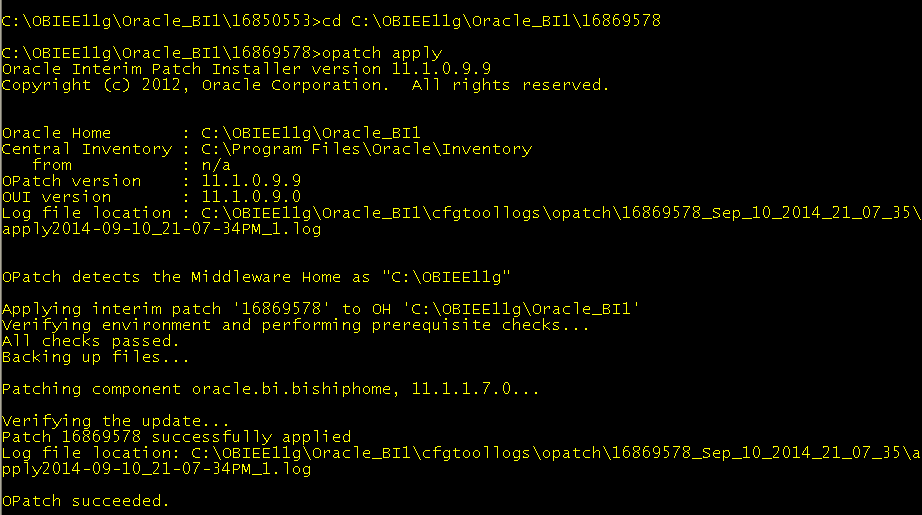
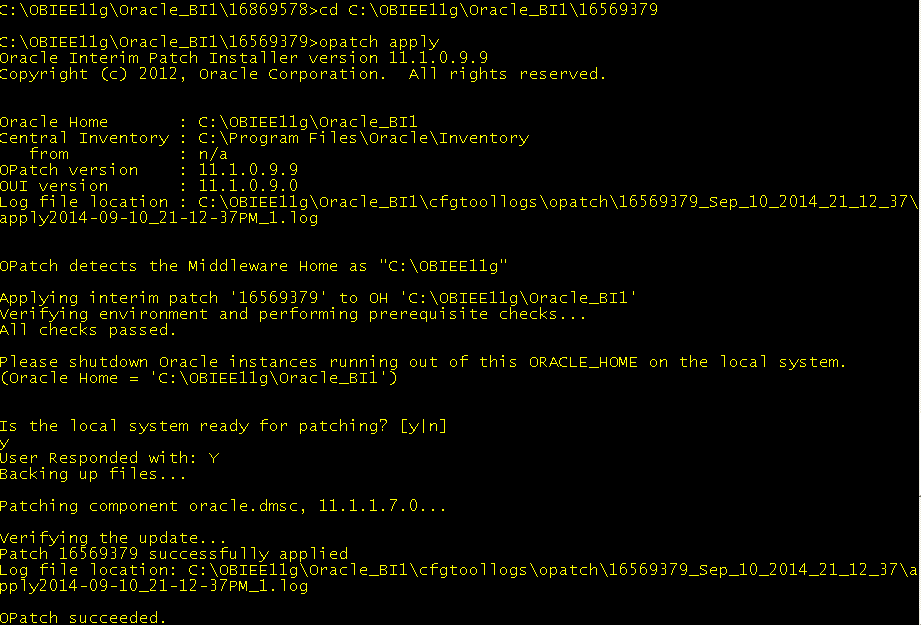
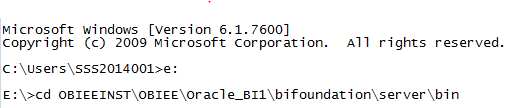
Log in to analytics and create a dashboard:
Move a text object into dashboard section and write the following code in text properties and save:
------------------------------------------------------------------------------------
<html>
<head>
<script src='/analyticsRes/SampleApp/customjs/listRepVars.js'></script>
<style>
table.ma_toc tr:hover td{
background-color: #DEEEFE;
} </style>
</head>
<body>
<h3>Static Variables</h3>
<table id='staticVars' class='ma_toc' width="900px" cellpadding="2px" border="1px" bordercolor="#e2e2e2" style="border-collapse:collapse;font-family: Arial;font-size: 12px">
<tr style="background-color:#e1e1e1" align="left"><th><b>Name</b></th><th><b>Current Value</b></th></tr>
</table>
<br/>
<h3>Session Variables</h3>
<table id='sessionVars' class='ma_toc' width="900px" cellpadding="2px" border="1px" bordercolor="#e2e2e2" style="border-collapse:collapse;font-family: Arial;font-size: 12px;">
<tr style="background-color:#e1e1e1" align="left"><th><b>Name</b></th><th><b>Init Block</b></th><th width=110><b>Var Type</b></th><th><b>Current Value</b></th></tr>
</table>
<script>listRepVariables();</script>
</body>
</html>
------------------------------------------------------------------------------------
Before doing this we have to deploy 'analyticsRes' from Console.
After deploying 'analyticsRes' a new folder will be created like:
OBIEE_HOME\instances\instance1\bifoundation\OracleBIPresentationServicesComponent\coreapplication_obips1\analyticsRes
Create the folder structure under analyticsRes as:
OBIEE_HOME\instances\instance1\bifoundation\OracleBIPresentationServicesComponent\coreapplication_obips1\analyticsRes\SampleApp\customjs
Under ' customjs' folder create a file ' listRepVars.js'
Write the following code in the file and save the file with extension '.js':
--------------------------------------------------------------------------------------------
function executeLSQL(strLSQL) {
var form = document.createElement("form");
form.setAttribute("method", "post");
form.setAttribute("action", "saw.dll?IssueRawSQL");
form.setAttribute("target", "_blank");
var hf1 = document.createElement("input");
hf1.setAttribute("type", "hidden");
hf1.setAttribute("name", "_scid");
hf1.setAttribute("value", obips_scid);
form.appendChild(hf1);
var hf2 = document.createElement("input");
hf2.setAttribute("type", "hidden");
hf2.setAttribute("name", "SQL");
hf2.setAttribute("value", strLSQL);
form.appendChild(hf2);
var hf4 = document.createElement("input");
hf4.setAttribute("type", "hidden");
hf4.setAttribute("name", "UseCache");
hf4.setAttribute("value", "no");
form.appendChild(hf4);
var data = GetMessageBody(form);
// send the request
var xhttp = CreateRequestObj();
// try..catch is required if working offline
try {
xhttp.open("POST", "saw.dll?IssueRawSQL", false);
// synchron
xhttp.setRequestHeader("Content-Type", "application/x-www-form-urlencoded");
xhttp.send(data);
} catch (e) {
alert("Cannot connect to the server!");
return null;
}
return xhttp.responseText;
}
function extractResultTable(resultTable){
startIndex = resultTable.indexOf("<table class=\"ResultsTable\"");
if (startIndex > 0) {
resultTable = resultTable.substring(startIndex);
endIndex = resultTable.indexOf("</table>") + 8;
resultTable = resultTable.substring(0, endIndex);
} else
alert("Logical SQL failed\n" + strLSQL.substring(0, 20));
return resultTable;
}
function extractCellValue(resultTable, index) {
var tempStr = "";
var c = resultTable.match(/<tr>/g).length;
if (c < 3)
return "";
var strValue = resultTable.replace(/ class="oc"/g, "");
strValue = strValue.replace(/<TR>/g,"<tr>").replace(/<\/TR>/g,"</tr>");
strValue = strValue.replace(/<TD>/g,"<td>").replace(/<\/TD>/g,"</td>");
strValue = strValue.substring(strValue.indexOf("</tr>")+5); //skip first row
strValue = strValue.substring(strValue.indexOf("</tr>")+5); //skip second row
for( ; strValue.indexOf("<tr>")!=-1 ; ){
for(var col=1; col<index;col++){
strValue = strValue.substring(strValue.indexOf("</td>")+5); //skip cols
}
tempStr += tagvalue(strValue,"td");
if (tempStr == " ") tempStr = "";
strValue = strValue.substring(strValue.indexOf("</tr>")+5); //skip row
}
return tempStr;
}
function unescapeHtml(unsafe) {
return unsafe
.replace(/</g, "<")
.replace(/>/g, ">")
.replace(/"/g, "\"")
.replace(/'/g, "'")
.replace(/&/g, "&");
}
function tagvalue(str, tag) {
var t1 = str.substring(str.indexOf("<" + tag + ">") + tag.length + 2);
var t2 = t1.substring(0, t1.indexOf("</" + tag + ">"));
return (t2);
}
function getLSQLResultXmldoc (strLSQL){
var rtext = executeLSQL(strLSQL);
var resultTable = extractResultTable(rtext);
var resultText = extractCellValue(resultTable, 1);
var resultErrors = extractCellValue(resultTable, 2);
var xmlDoc = null;
if (resultErrors != "") {
alert("Error in querying metadata\n" + resultErrors);
return null;
}
if (resultText.length <2){
return null;
}
resultText = unescapeHtml(resultText);
if (window.DOMParser) {
parser=new DOMParser();
xmlDoc=parser.parseFromString(resultText,"text/xml");
} else {
xmlDoc=new ActiveXObject("Microsoft.XMLDOM");
xmlDoc.async=false;
xmlDoc.loadXML(resultText);
}
return xmlDoc;
}
function listRepVariables(){
var xmldoc = getLSQLResultXmldoc("call NQSQueryMetadataObjects('3031', '', '', 'false', 'false', '', '')");
cnt = xmldoc.getElementsByTagName("Variable").length;
var sessionVarTbl = document.getElementById('sessionVars');
var staticVarTbl = document.getElementById('staticVars');
var va1 = [],va2 = [];
for (var i = 0; i < cnt; i++) {
var v = xmldoc.getElementsByTagName("Variable")[i];
var name = xmldoc.getElementsByTagName("Variable")[i].getAttribute('name');
var val = "";
if (v.getAttribute("isSessionVar")){
var ib = xmldoc.getElementsByTagName("Variable")[i].getAttribute('parentName');//.replace(/"/g,'');
va1.push(name);
va2.push(ib);
} else {
val = v.getElementsByTagName("Expr")[0].textContent;
staticVarTbl.innerHTML += "<td>"+name+"</td><td>"+val+"</td>";
}
}
for(var i=0,j=0;i<va1.length; i++){
if (i%35==0) qStr = "";
qStr += "NQ_SESSION." + va1[i] + ",";
if (i%35==34 || i==va1.length-1) {
var strLSQL = "call NQSGetSessionValues('" + qStr + "');";
var rtext = executeLSQL(strLSQL);
var resultTable = extractResultTable(rtext);
var strValue = resultTable.replace(/ class="oc"/g, "");
strValue = strValue.replace(/<TR>/g,"<tr>").replace(/<\/TR>/g,"</tr>");
strValue = strValue.replace(/<TD>/g,"<td>").replace(/<\/TD>/g,"</td>");
strValue = strValue.substring(strValue.indexOf("</tr>")+5); //skip first row
strValue = strValue.substring(strValue.indexOf("</tr>")+5); //skip second row
for( ; strValue.indexOf("<tr>")!=-1 ; ){
var v1 = tagvalue(strValue,"td");
strValue = strValue.substring(strValue.indexOf("</td>")+5);
var v2 = tagvalue(strValue,"td");
strValue = strValue.substring(strValue.indexOf("</td>")+5);
//skip one col
strValue = strValue.substring(strValue.indexOf("</td>")+5);
var v3 = tagvalue(strValue,"td");
strValue = strValue.substring(strValue.indexOf("</td>")+5);
strValue = strValue.substring(strValue.indexOf("</tr>")+5); //skip row
sessionVarTbl.innerHTML += "<td>"+v1.replace('NQ_SESSION.','')+"</td><td>"+va2[j]+"</td><td>"+v2+"</td><td>"+v3+"</td>";
j++;
}
}
}
}
// create HTTP request body form form data
function GetMessageBody(form) {
var data = "";
for (var i = 0; i < form.elements.length; i++) {
var elem = form.elements[i];
if (elem.name) {
var nodeName = elem.nodeName.toLowerCase();
var type = elem.type ? elem.type.toLowerCase() : "";
// if an input:checked or input:radio is not checked, skip it
if (nodeName === "input" && (type === "checkbox" || type === "radio")) {
if (!elem.checked) {
continue;
}
}
var param = "";
// select element is special, if no value is specified the text must be sent
if (nodeName === "select") {
for (var j = 0; j < elem.options.length; j++) {
var option = elem.options[j];
if (option.selected) {
var valueAttr = option.getAttributeNode("value");
var value = (valueAttr && valueAttr.specified) ? option.value : option.text;
if (param != "") {
param += "&";
}
param += encodeURIComponent(elem.name) + "=" + encodeURIComponent(value);
}
}
} else {
param = encodeURIComponent(elem.name) + "=" + encodeURIComponent(elem.value);
}
if (data != "") {
data += "&";
}
data += param;
}
}
return data;
}
function CreateRequestObj() {
// although IE supports the XMLHttpRequest object, but it does not work on local files.
var forceActiveX = (window.ActiveXObject && location.protocol === "file:");
if (window.XMLHttpRequest && !forceActiveX) {
return new XMLHttpRequest();
} else {
try {
return new ActiveXObject("Microsoft.XMLHTTP");
} catch(e) {
}
}
}
-------------------------------------------------------------------------------------------------------------------------
After saving the text object in dashboard section, view the results:
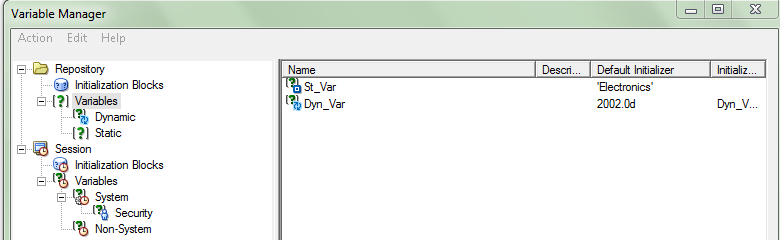
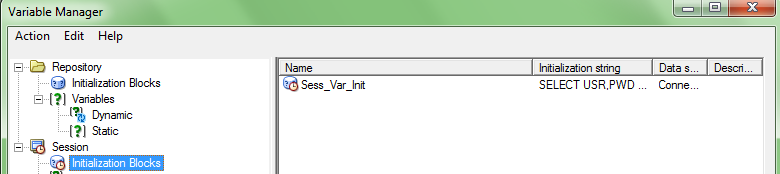
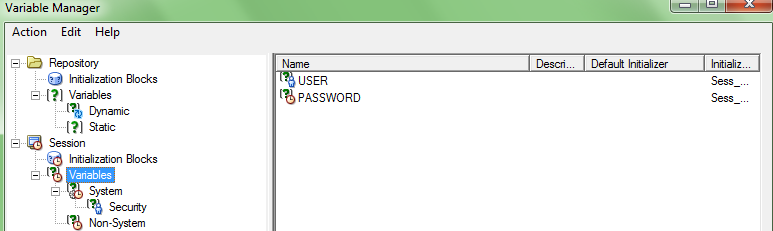
Now, you can able to see the variables and Init blocks created at rpd level.

 OBIEE UPGRADATION