
In Our previous page we created OBIEE 11G INSTALLATION. Please go to ...Previous Page
Now we will see OBIEE11g weblogic Patch
Go to Start → All Programs → Oracle Business Intelligence → stop BI Services
- provide username as Weblogic
- password as Admin123$$#
Download the Patch Patch 13529623
Use the java from the BI home and execute the jar installer
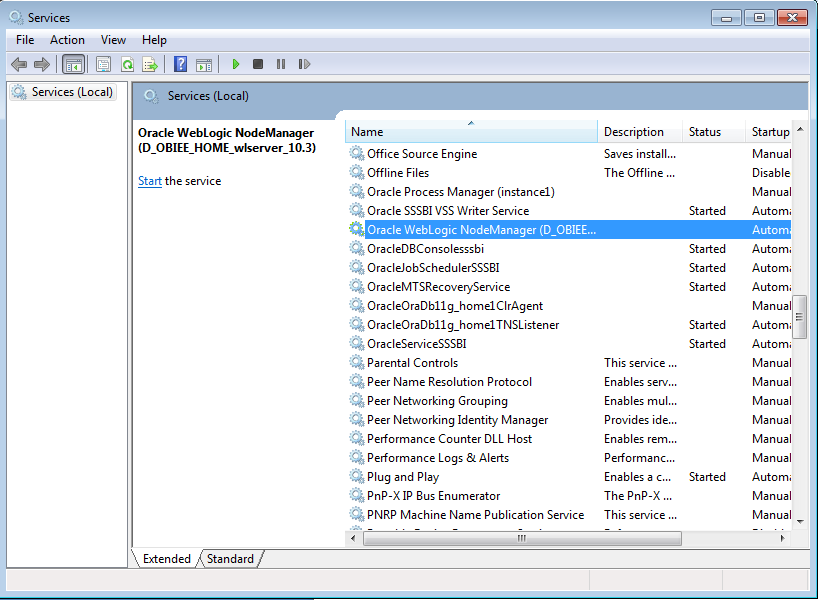
stop the NodeManager
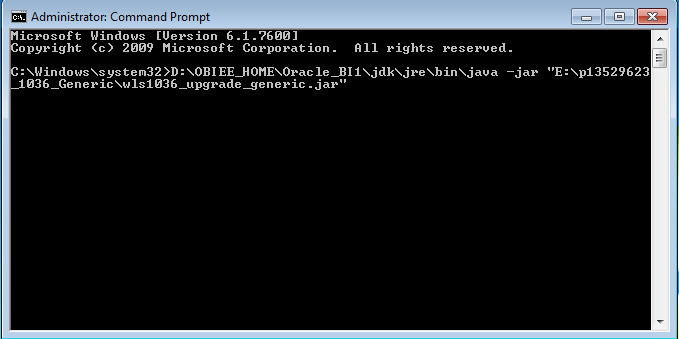
Go to CMD ---> right click Run as Administrator
set the java path
D:\OBIEE_HOME\Oracle_BI1\jdk\jre\bin\java -jar "E:\p13529623_1036_Generic\wls1036_upgrade_generic.jar"
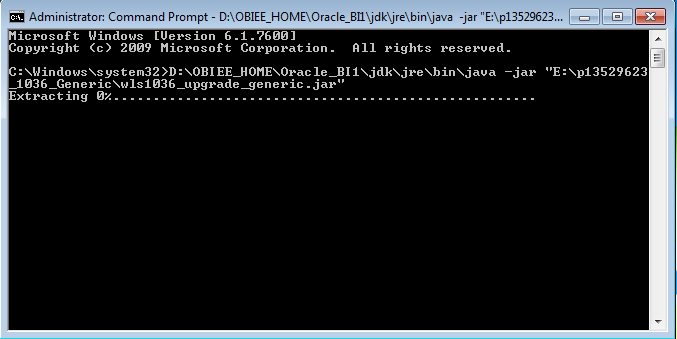
Click NEXT

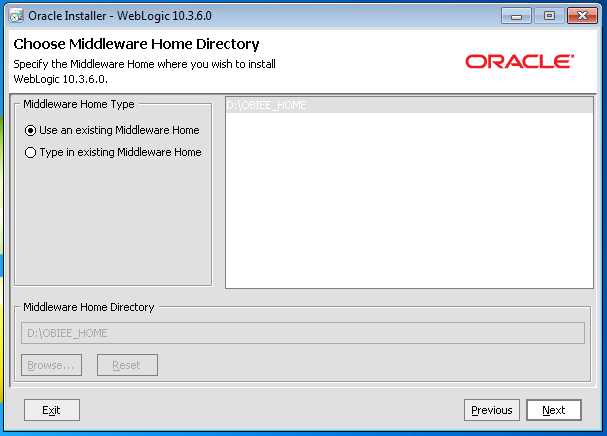
Select the Use an existing Middleware Home → Click NEXT
Unselect I wish to receive securit updates via m oracle support → click on Yes → Yes → Yes

Enabale below option → click on Cotinue

Click NEXT
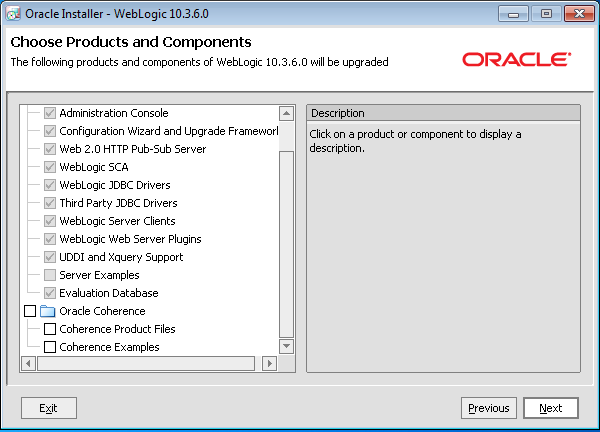
Click NEXT

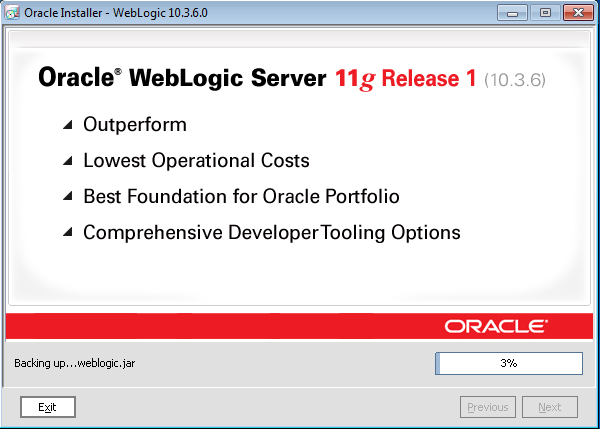
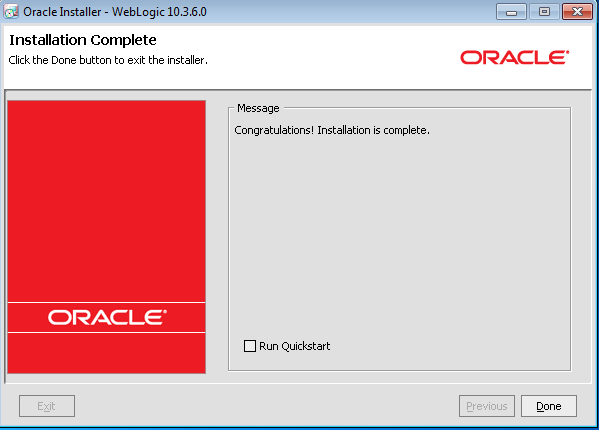
Now start the services
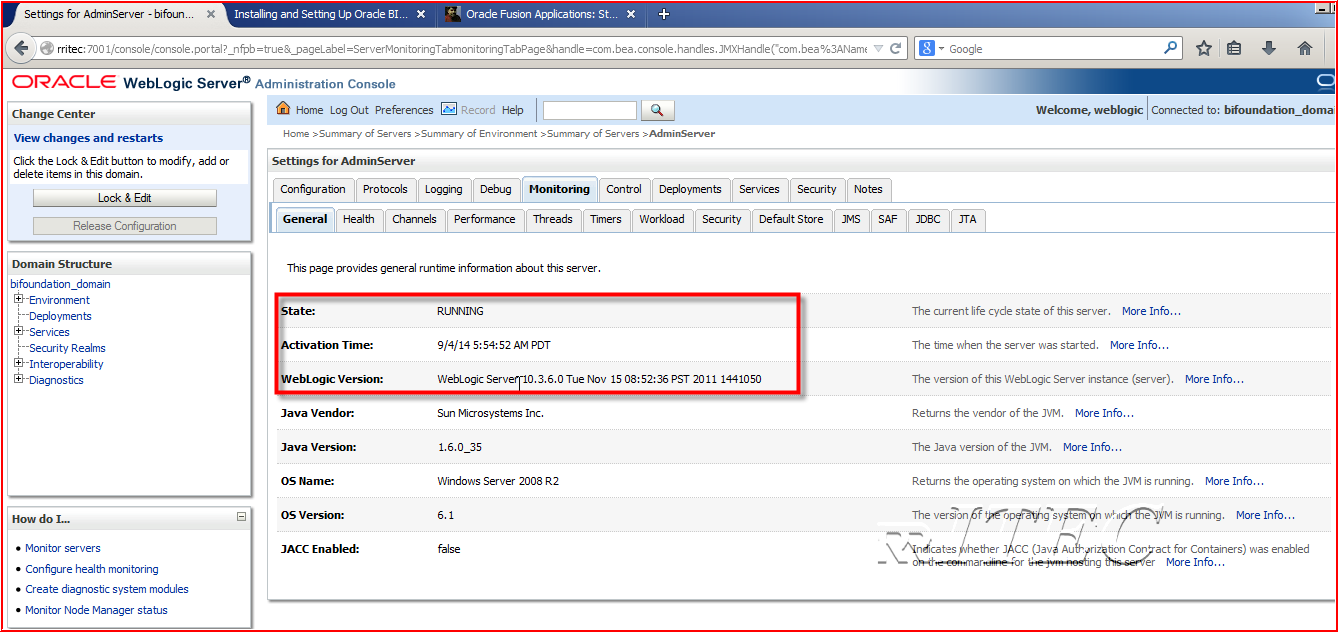
Open Console → Click on environment → servers→ AdminServer(admin) → Monitoring

No comments:
Post a Comment