Many new features has been added in the OBIEE 12C including new views, new UI level functions, column properties, Powerful visual analyzer tool etc.,
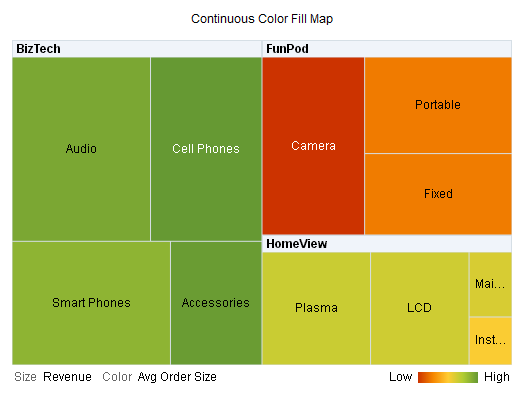
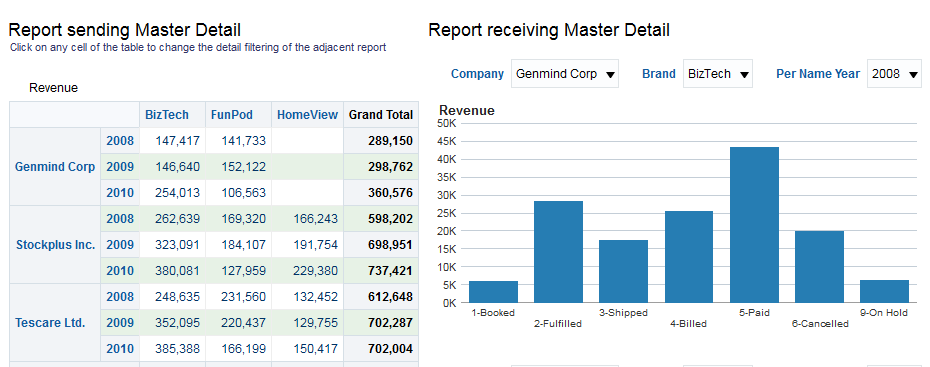
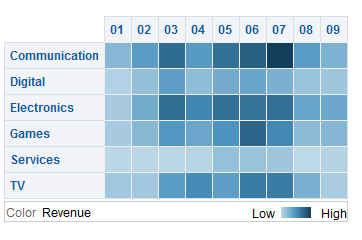
New View Added:
You can find the values by 'Roll over' on the cells. Or you can make it as display always.
New UI 'R Analytics' Functions:
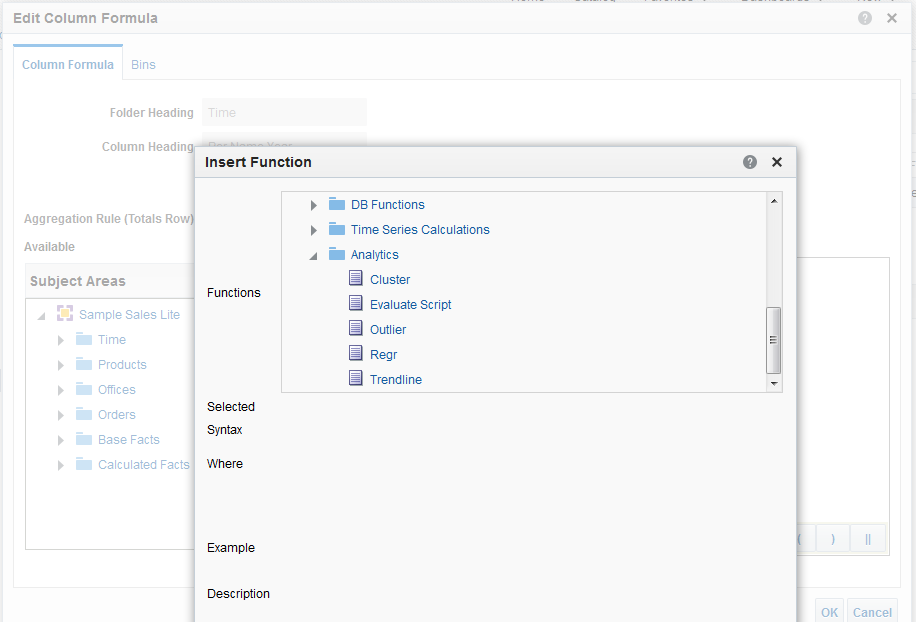
One of the great advantage of OBIEE12C is availability of new set of functions related to 'R Analytics' added in the 'edit formula' tab.
'R' is a programming language and software environment for statistical computing and graphics. The 'R' language is widely used among statisticians and data miners for developing statistical software and data analysis.
To work with 'R Analytics' functions we have to setup 'R' in the environment.
The 'R Analytics' function set includes
Cluster, Evaluate Script, Outlier, Regr, Trendline functions.
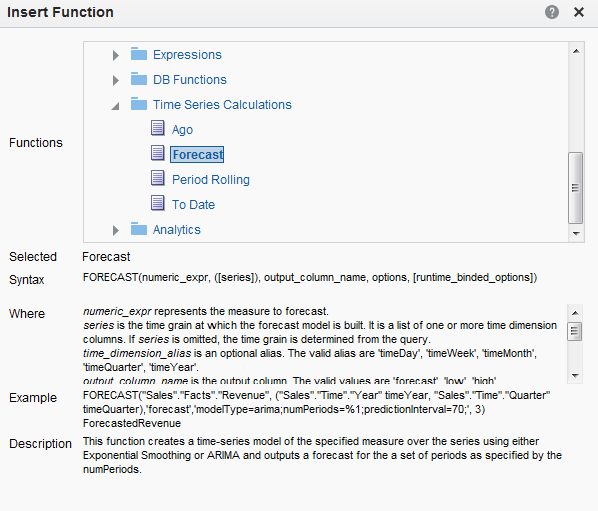
New Time series Function:
Adding Your Own Data to Analyses:
- You can include dimensions and measures from external data sources in your analyses. The external data is loaded to the database, but is not part of the BI metadata catalog.
- You can create an analysis that include only data from an external source, or you can blend dimensions and measures from the external data source with dimensions and measures defined in the BI metadata catalog.
- The external data must be stored in a Microsoft Excel format spreadsheet file. You import the data from the spreadsheet file into the BI EE database as an external data source.
- You then add columns from the external data source to your analyses. When the data in spreadsheet file changes, you can refresh the BI EE database with the changes.
Visual Analyzer
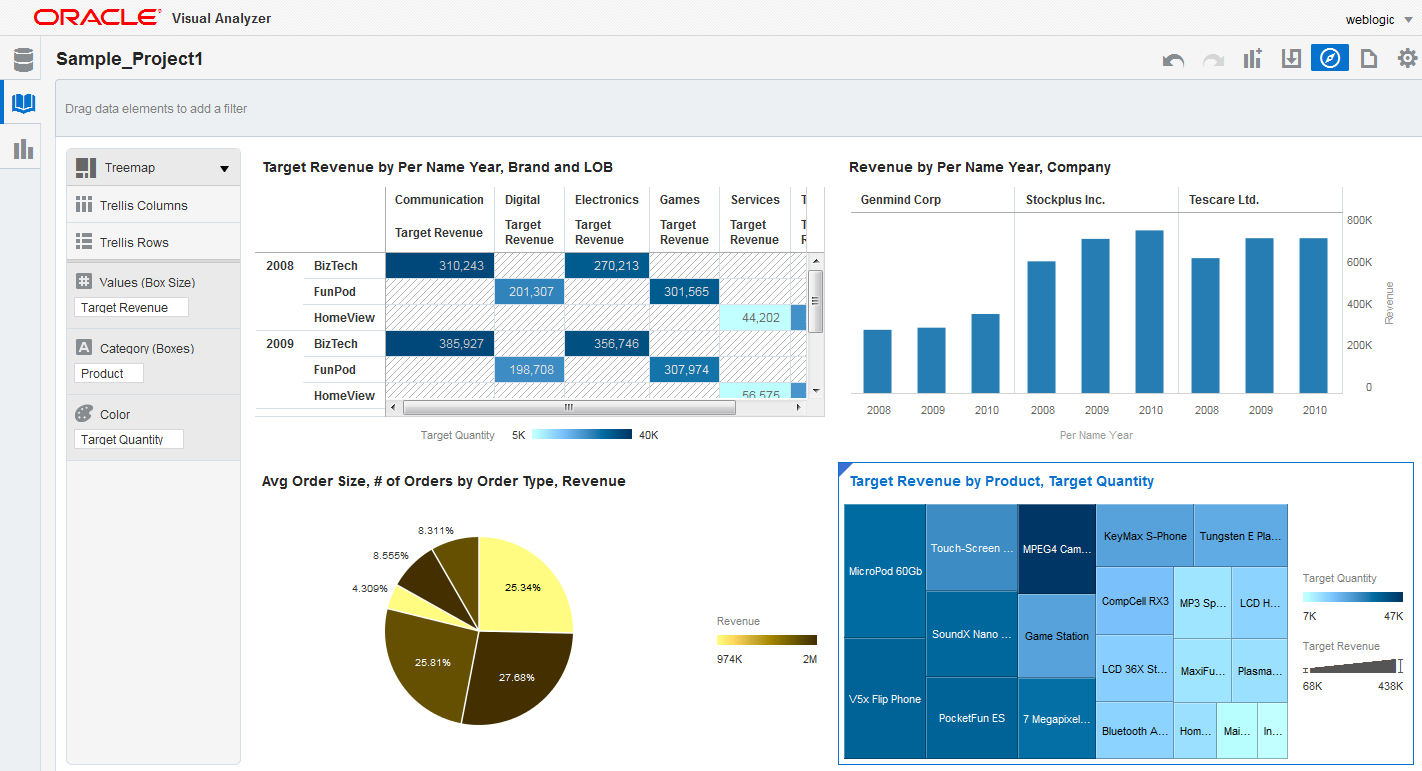
- This is a completely new powerful visualization application introduced in OBIEE12C.
- VA provides greater flexibility to Rapidly create rich analyses through drag-and-drop configuration of new visual grammar.
- Using VA we can build the reports from the sources OBIEE repository and also from external content.
BI Server New Features
Logical Level Sequence Numbers for Time Dimensions for faster time series calculations. And to improve the query time.
DISPLAY, SORTKEY Syntax Supported in the SQL ORDER BY Expression
Oracle Database FAN & Connection Failover Supported by Oracle BI Server
Following New Command Line utilities are added
Generate Fragmented Aggregates in Aggregate Persistence
New Features for Oracle BI System Administrators
We can Invoke WLST from a Single Location
Oracle Home location re-defined and there is no middleware home now.
OPMN is no Longer available in Fusion Middleware
Oracle Web Cache Not Part of Fusion Middleware
Moving From Test To Production is Carried Out in a Different Way
New Commands For Process Control
Managing Metadata In Business Intelligence Archive Files(BAR File)
Single Enterprise Install. No separate 'Software only' and 'Simple Install' is available.
Simplified Configuration
Managing System Component Instances Using Commands
Collecting Diagnostic Bundles
Migration from OBIEE 11g to 12c
We can migrate the Oracle BI 11g metadata to 12c is a two step process, and is carried out by using the BI Migration Script (migration-tool.sh).
The catalog and WebLogic Security configurations needs to be reconfigured/migrated like in OBIEE 11g.
New Features in Oracle BI Security
New Features for Oracle BI Publisher 12c