
Double click on setup file

In welcome screen uncheck mail option
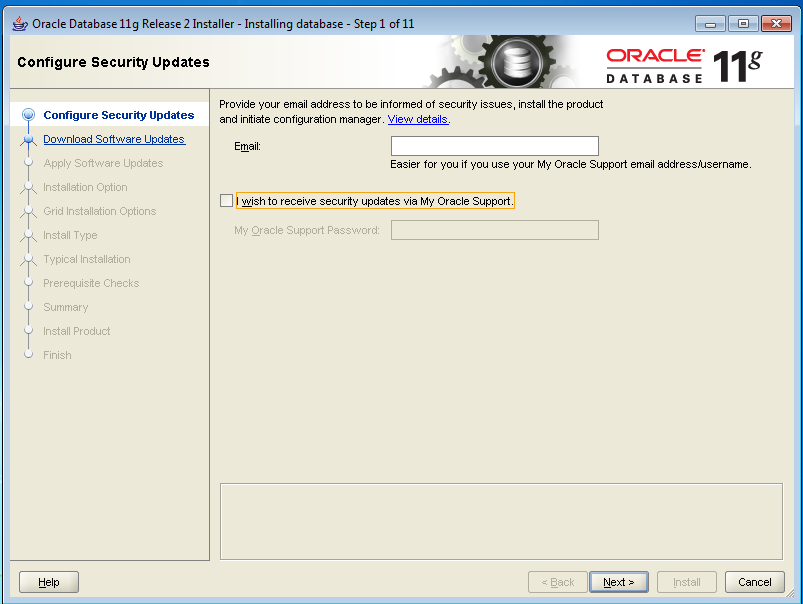
Click on YES

Select Skip Software Updates → click on Next

Select Create and Configure database → Click on Next

Select Server Class → Click on Next

Select Single Instance → Click on next

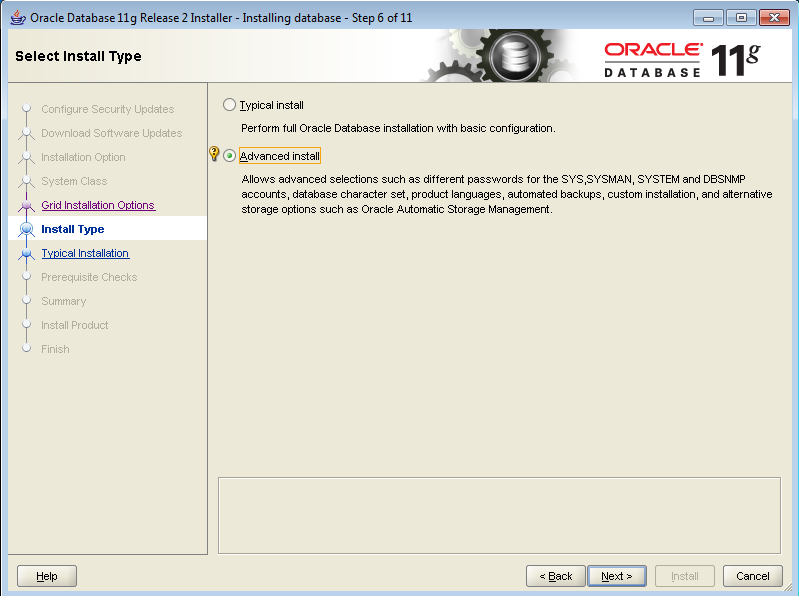
Select Advanced install → click on Next
Leave default language as ENGLISH → click on next

Select Enterprise Edition → click on next

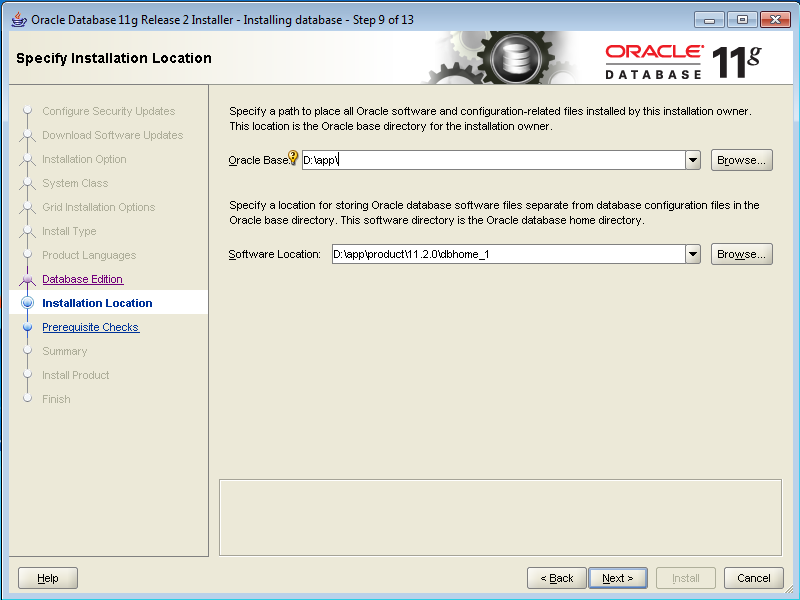
Leave default paths → click on next
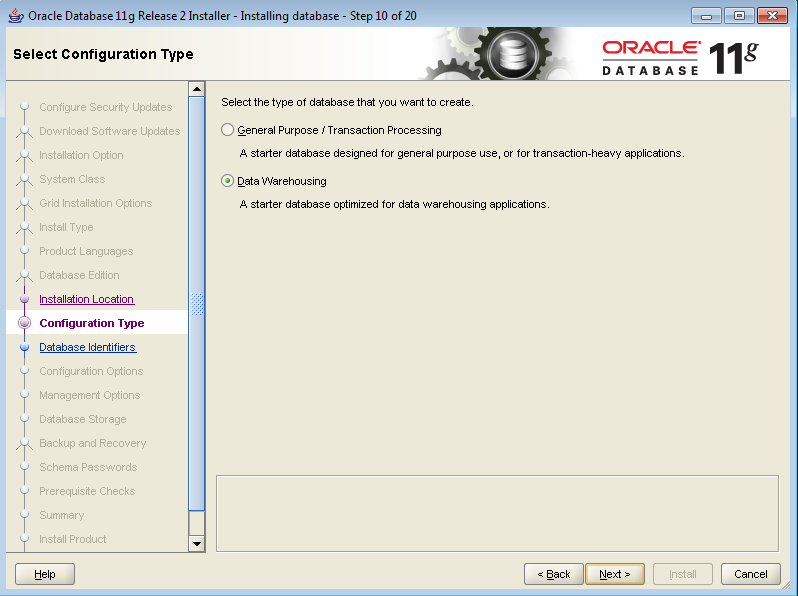
Select Data Warehouse → click on NEXT

Under character set tab → select unicode AL32UTF8
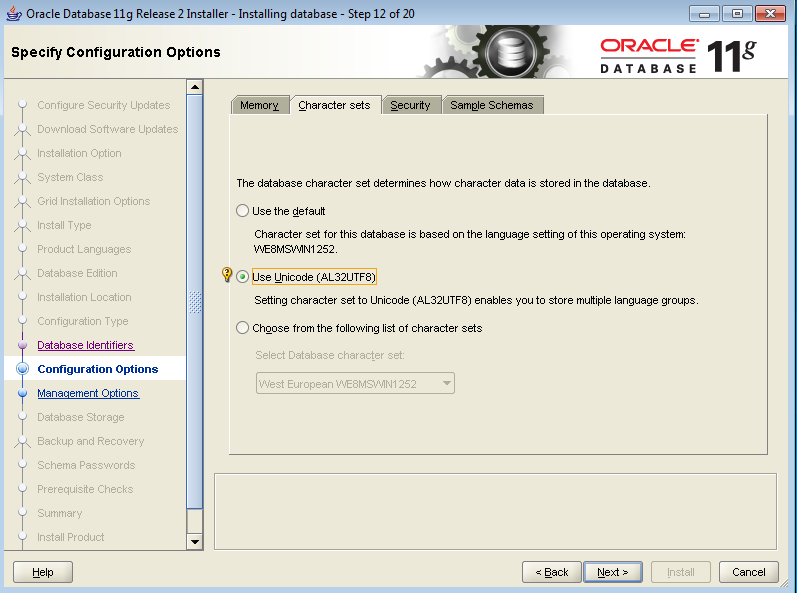
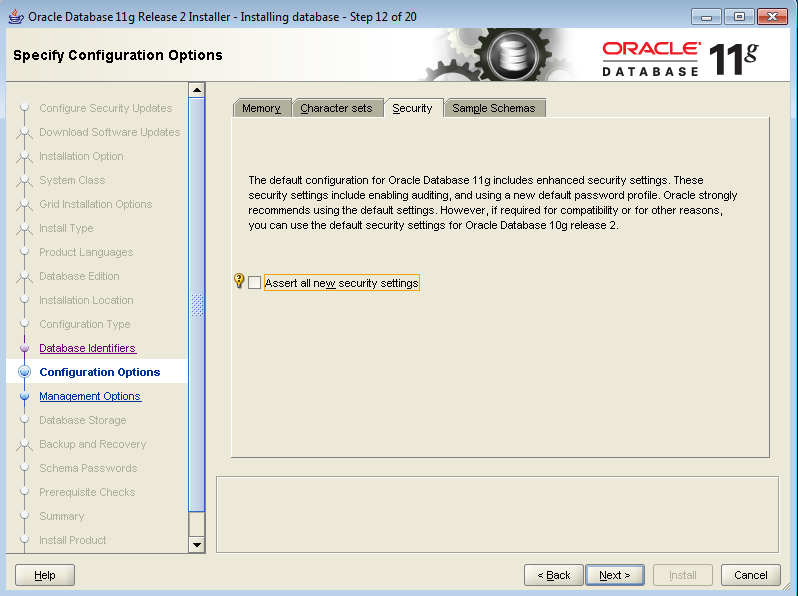
Under security tab → UNCHECK Security option
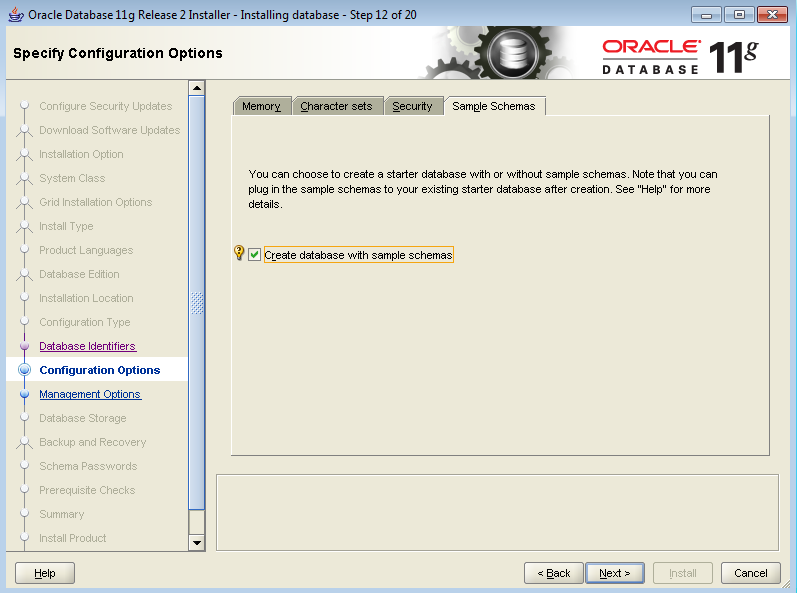
under sample schemas → enable sample schemas
Click NEXT
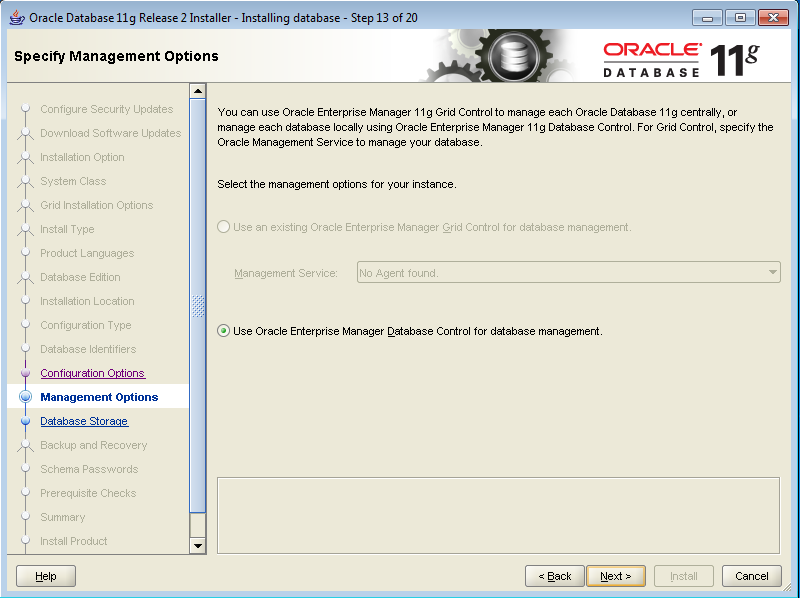
CLICK NEXT

CLICK NEXT

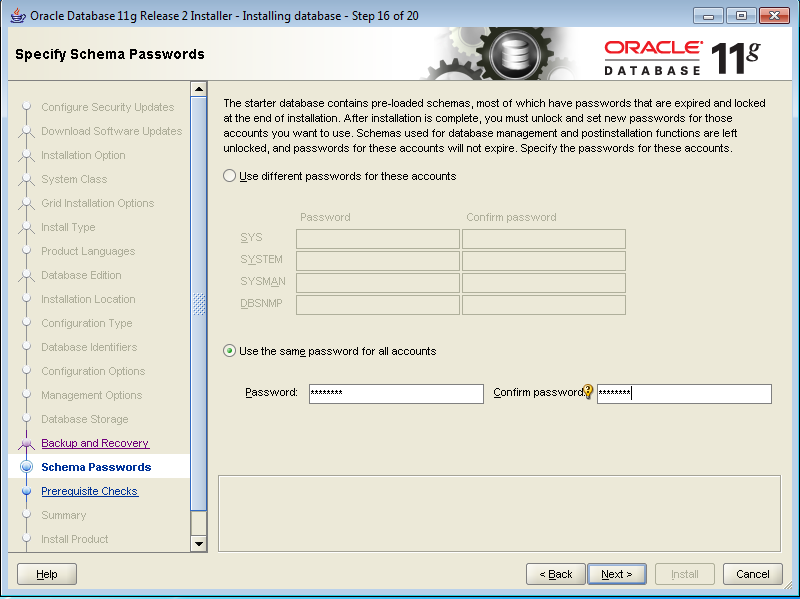
Provide password as Admin123
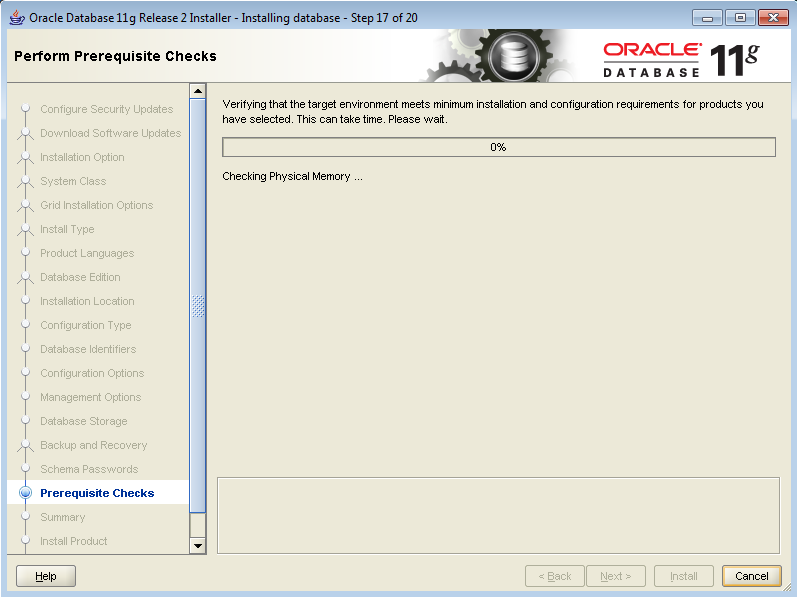
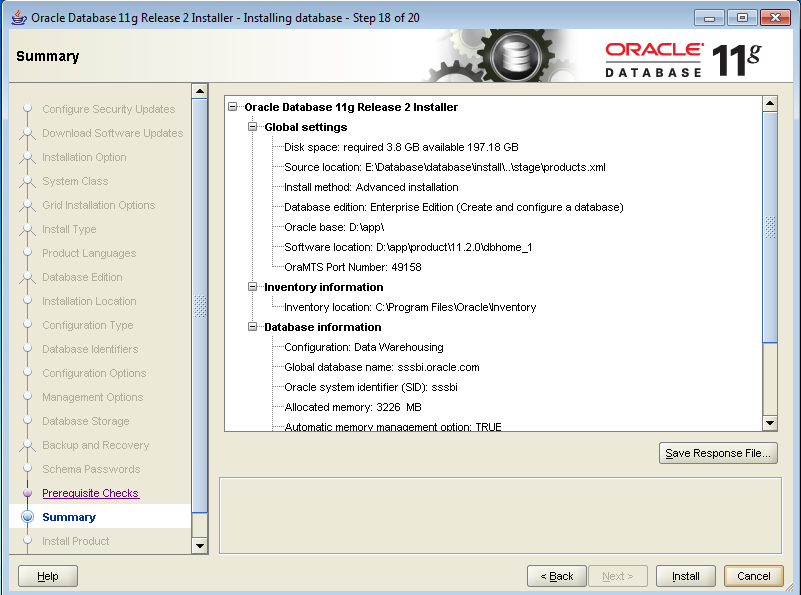
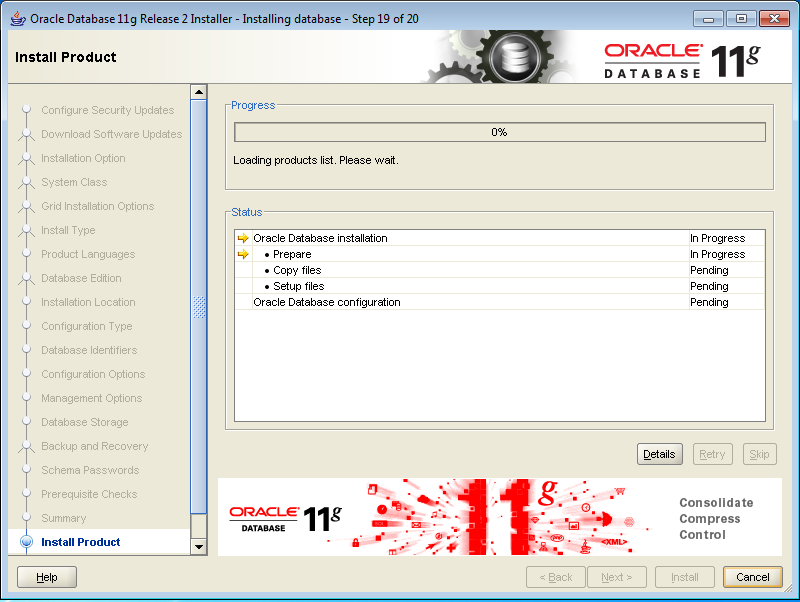
Click on INSTALL

No comments:
Post a Comment